


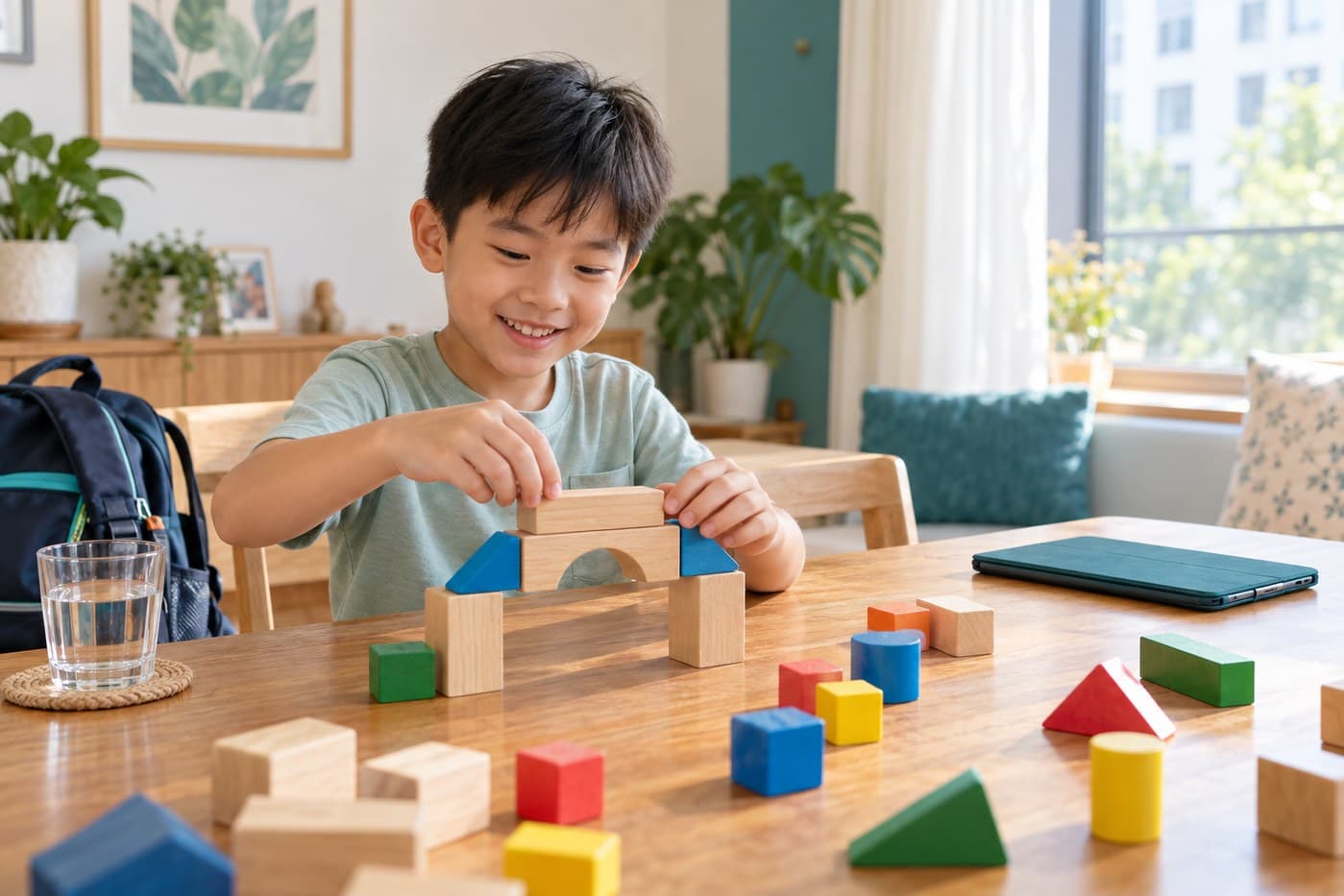
A workable after-school screen plan does not need to ban devices. For children aged 7 to 12, Singapore guidance recommends less than two hours of screen use a day unless it is related to schoolwork. It also advises against unrestricted device access. The most useful plan is one your child understands: separate necessary schoolwork from recreation, agree when recreational screen time can happen, protect meals and bedtime, and offer realistic offline choices.
Start by separating schoolwork from recreation
Not all screen use serves the same purpose. An online assignment, a video call with family and an hour of short videos may all happen on the same device, but they should not be treated as one undifferentiated block.
At the start of the afternoon, ask what device-based schoolwork must be completed, what recreational activity your child wants, and what else needs to fit into the day: food, rest, movement, family time, chores and sleep.
The Ministry of Education explains that Primary-school learning prioritises non-digital experiences such as print reading, handwriting and concrete materials, with digital experiences used when appropriate. Parents can apply the same idea at home: use a screen for a clear purpose, then put it away when that purpose is complete.
Build a simple after-school sequence
A predictable order reduces repeated negotiation. The timing will depend on dismissal, travel and your child's energy, but the sequence can remain familiar.
- Arrive and reset. Put away school items, wash up, drink water and have a meal or snack.
- Decompress without autoplay. Choose a short offline activity such as chatting, drawing, reading or quiet play.
- Complete essential schoolwork. If a device is needed, open only the required platform or task where practical.
- Move and connect. Include outdoor play, a walk, a hands-on activity, an enrichment class or time with friends and family.
- Use agreed recreational screen time. Decide the start, stopping point and suitable content in advance.
- Begin a screen-free wind-down. Put devices away before the bedtime routine.
HealthHub recommends a screen-use plan that balances devices with physical activity, family bonding, sleep and schoolwork. A plan can be as simple as a few blocks on paper or a checklist beside the school bag.
Protect two screen-free anchors
Singapore guidance advises no screen use during meals and for one hour before bedtime. These anchors are easy to recognise and can remain consistent across weekdays, weekends and school holidays.
For meals, place devices away from the table rather than face-down within reach. If the family often eats at different times, begin with one consistently screen-free meal. Adults should follow the rule too where possible.
Before bed, choose a device parking place outside the bedroom. The final hour might include packing the school bag, bathing, reading and a short conversation. If online homework runs late occasionally, finish the necessary task and move into the wind-down routine without adding recreational viewing afterwards.
Make stopping easier before the screen turns on
Many arguments happen because “a while” means something different to each person. Before recreational use begins, agree on how long it will last, what app or programme is allowed, whether permission is needed before changing content, what happens when the timer ends, and what activity comes next.
Use built-in timers or parental controls as support, not as a substitute for conversation. HealthHub also advises supervision, age-appropriate content and regular discussion about what children view online. Keep shared devices in a common area where practical, and do not give a Primary-school child unrestricted internet or application access.
Offer specific offline alternatives
“Go and do something else” places all the planning on a tired child. Give two or three concrete choices instead: make a snack together, draw a comic, practise music, build something, read, take a short walk, play a ball game or help with a household task.
Enrichment can be one useful part of this balance when it suits the child. Art, music, drama, dance, baking, STEM and other hands-on activities create opportunities to make, move, speak and work with others. They should still leave enough time for meals, rest, homework and sleep.
Review the plan without turning it into a daily battle
Try the routine for one school week, then review it together. Ask what was easy to follow, when stopping was hardest and which offline options actually worked. Change one part at a time.
Seek additional support if screen use repeatedly displaces school or home responsibilities, disrupts sleep, causes persistent difficulty stopping or leads to strong distress. Start by speaking with your child and school, and consult a healthcare professional if concerns continue. The aim is a sustainable pattern in which screens have a purpose and do not crowd out the rest of childhood.
Official references
- Ministry of Education: Grow Well SG
- Ministry of Education: Digital devices and purposeful, healthy screen use
- HealthHub: Nurturing healthy behaviours
- HealthHub: How parents can foster healthy screen use
Guidance can change. Review the linked official pages for current recommendations.